Multiple counters
Keep independent counts for different projects, pattern sections, sleeves, or repeats.
 KnitHub
Count rows, follow repeat sections, and see how far you have left—all without covering your pattern in tally marks.
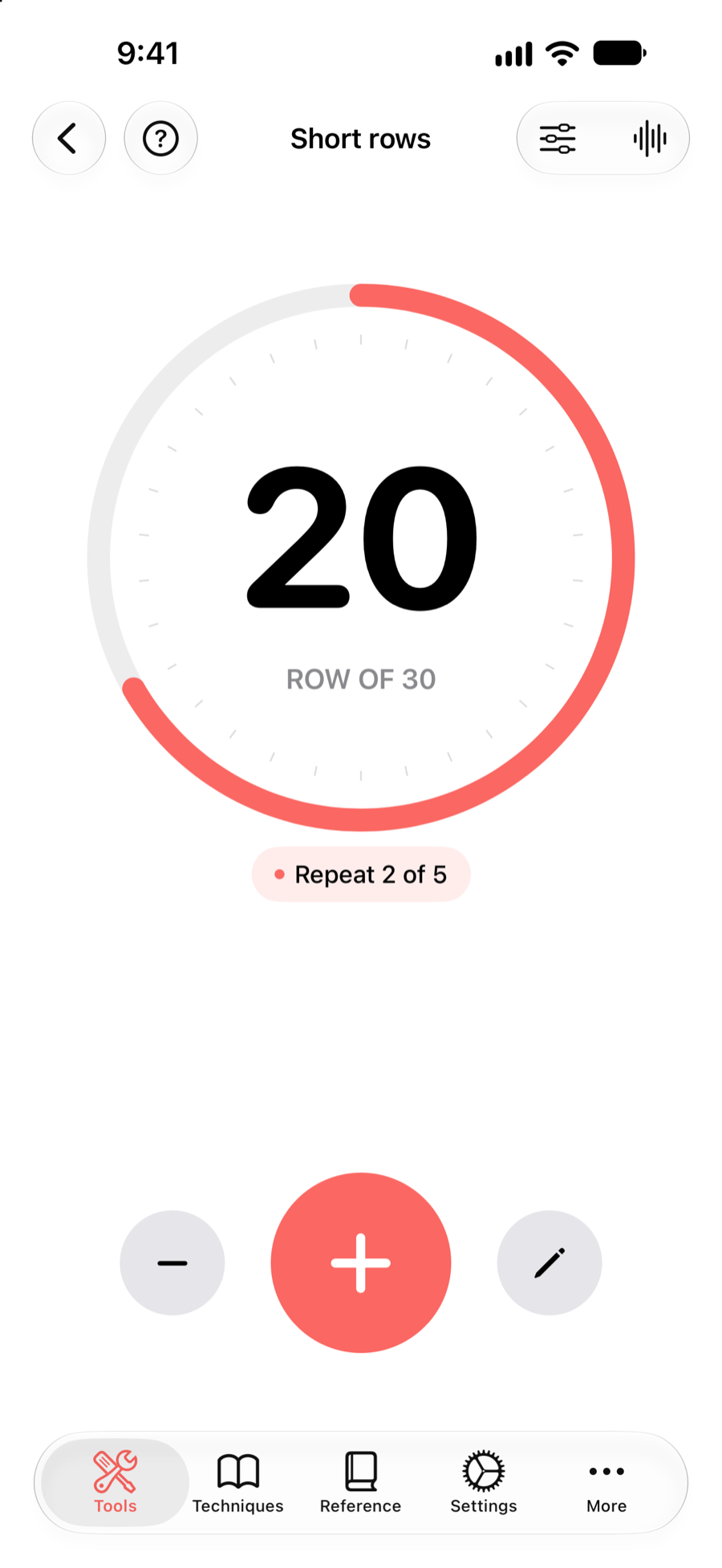
KnitHub gives each counter a name, progress goal, and optional repeat count, so the number still makes sense when you return to your knitting.
Keep independent counts for different projects, pattern sections, sleeves, or repeats.
See the current row, total goal, and repeat progress in one focused view.
Move forward or back with large controls when you need to fix a tap.
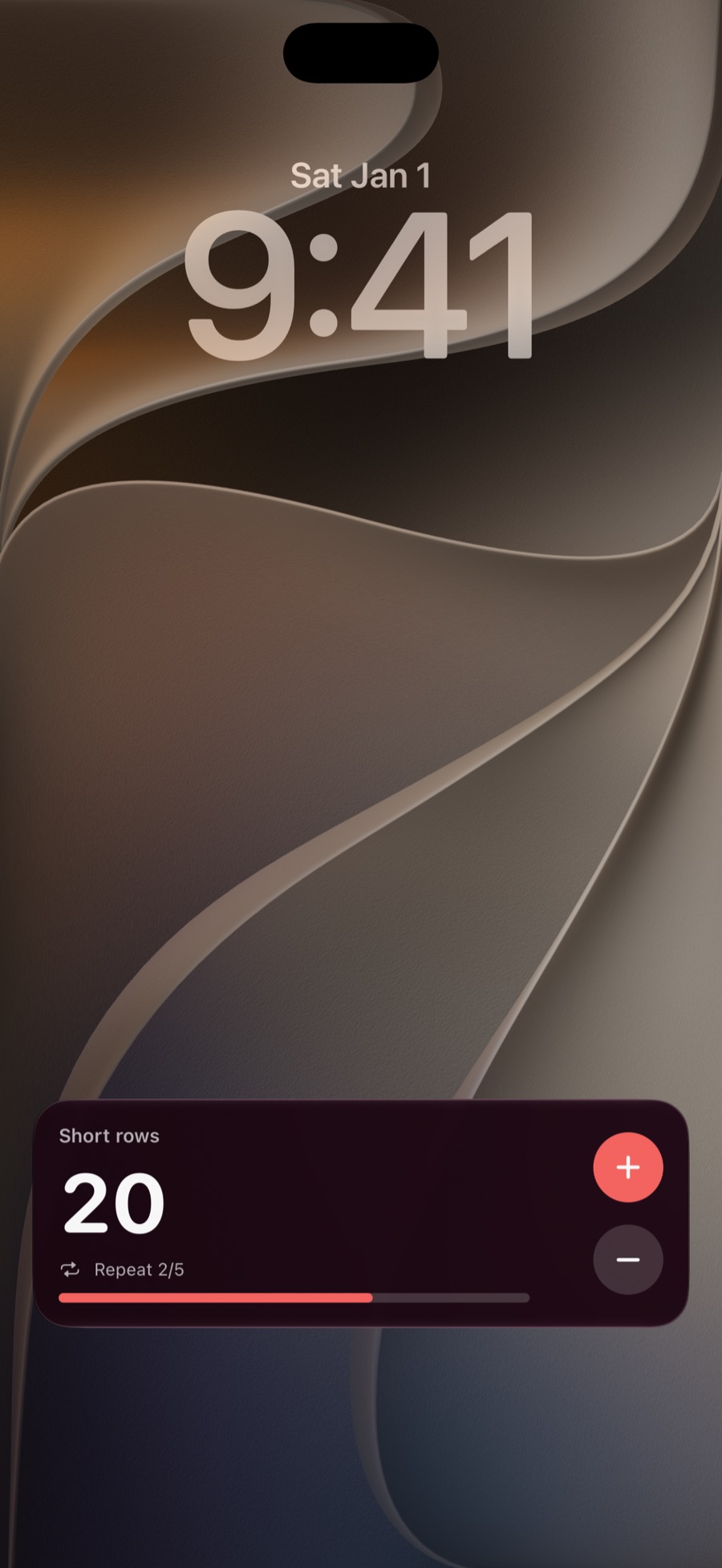
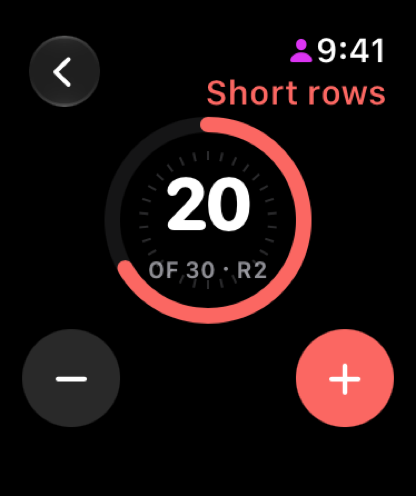
Keep the current row visible while you knit and use the plus or minus controls without navigating back through the app.
The Apple Watch companion gives you another convenient place to keep the count nearby.
Download KnitHub on the App Store.