Use your own swatch
Take a photo or choose one, then work directly with the fabric you knitted.
 KnitHub
Use a photo of your knitting to count stitches and rows, adjust the guides, and turn your swatch into a clear gauge measurement.
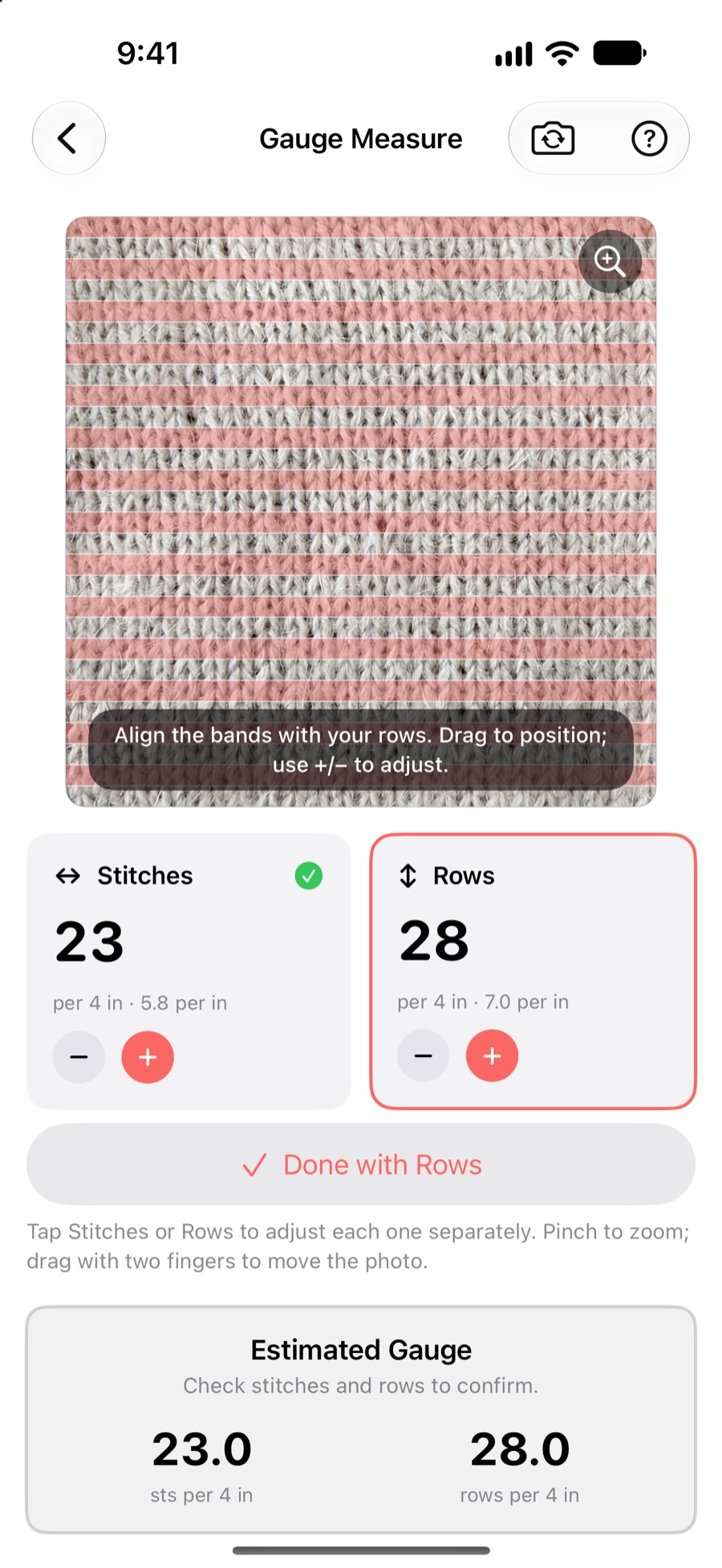
Align the guides with the rows and columns in your swatch. KnitHub calculates the resulting gauge while keeping the stitch and row measurements separate.
Take a photo or choose one, then work directly with the fabric you knitted.
Confirm stitches and rows independently so one measurement does not get in the way of the other.
Read the estimate per inch and per four inches for easier pattern comparison.
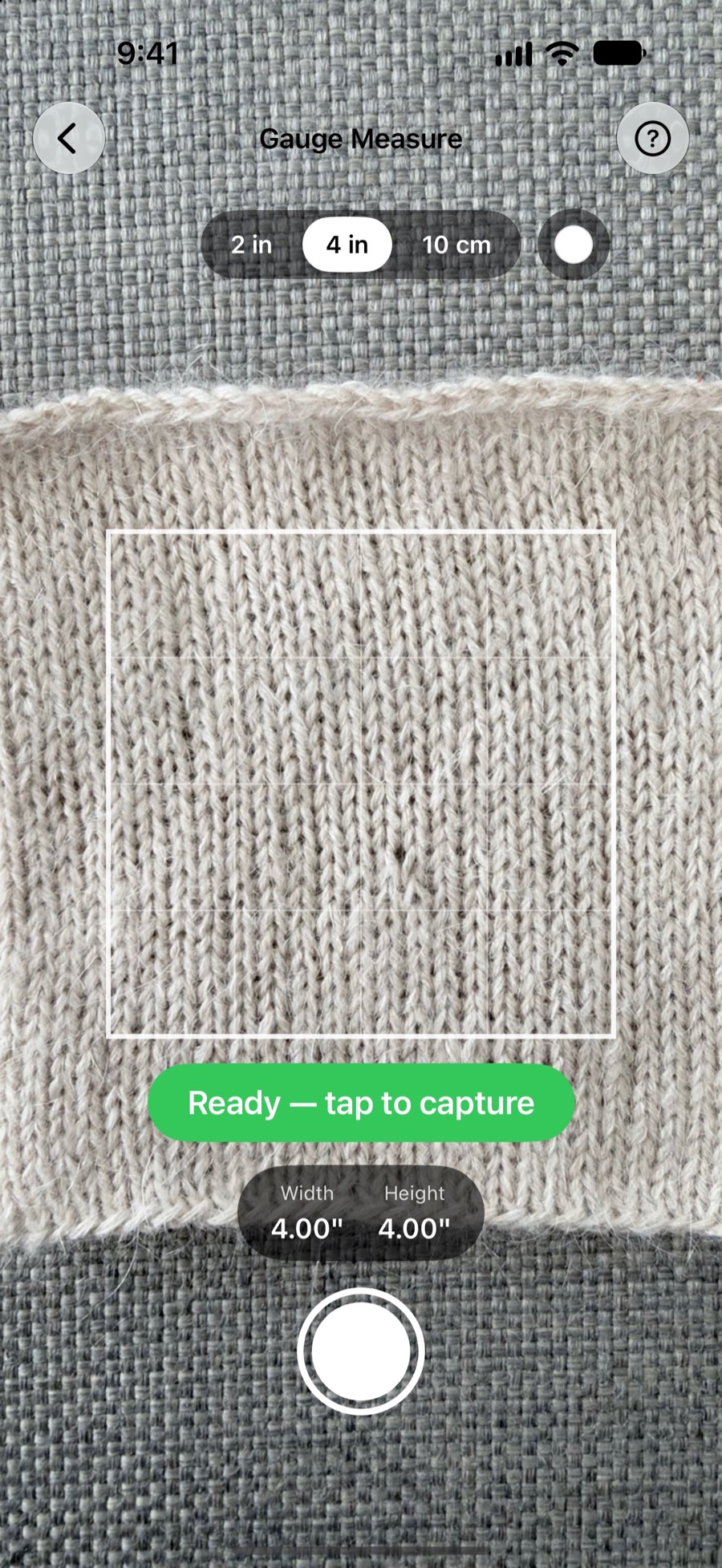
Choose a two-inch, four-inch, or ten-centimeter area and position the guide over your knitting. KnitHub shows the exact width and height before you capture the photo.
After capturing it, adjust the stitch and row guides to confirm your gauge.
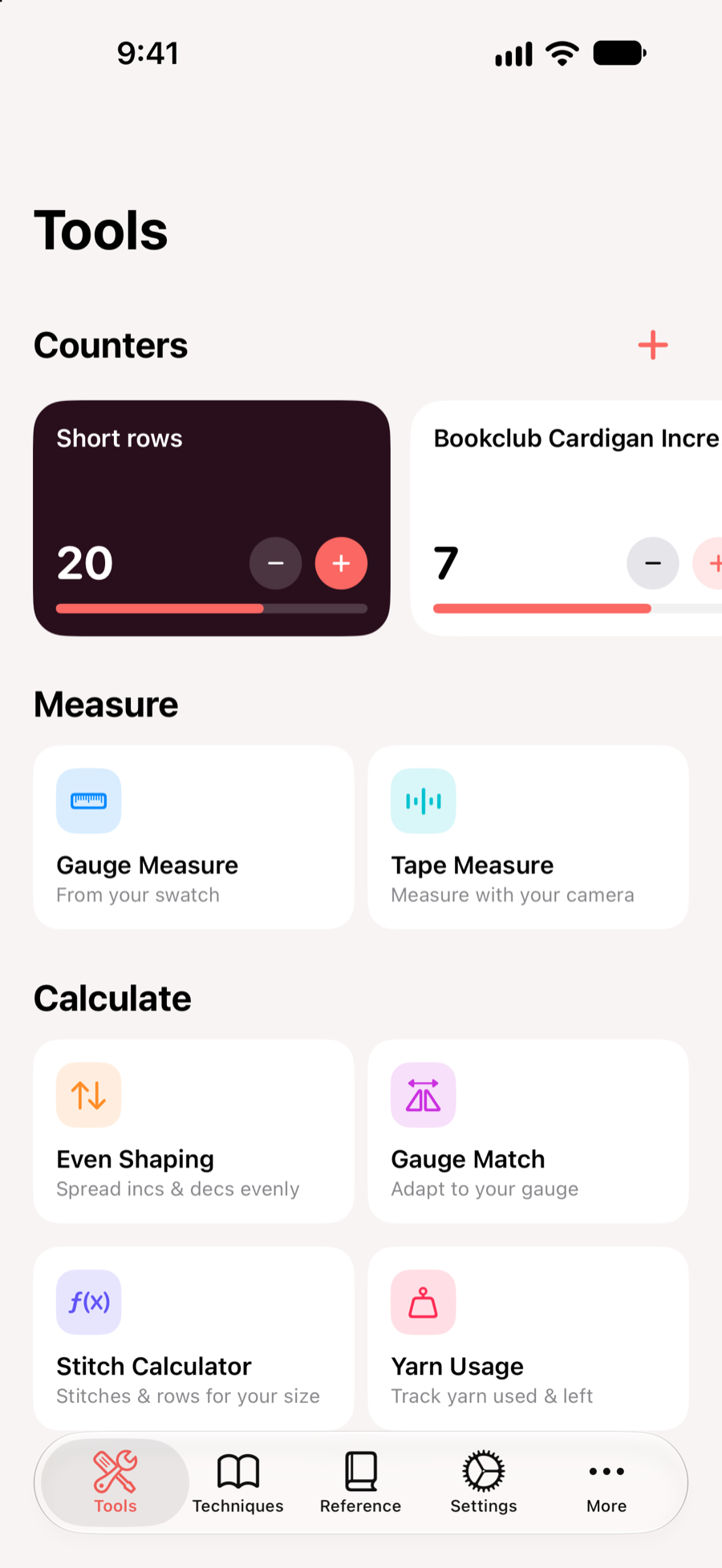
Once you know your gauge, use KnitHub’s calculators to adapt a pattern, estimate stitches and rows, or spread shaping evenly.
Your measuring and calculation tools stay together, ready for the next project decision.
Download KnitHub on the App Store.