Choose the direction
Plan an increase or decrease row with the same focused calculator.
 KnitHub
Tell KnitHub how many stitches you have and how many changes you need. Get a balanced, ready-to-knit instruction for a row or round.
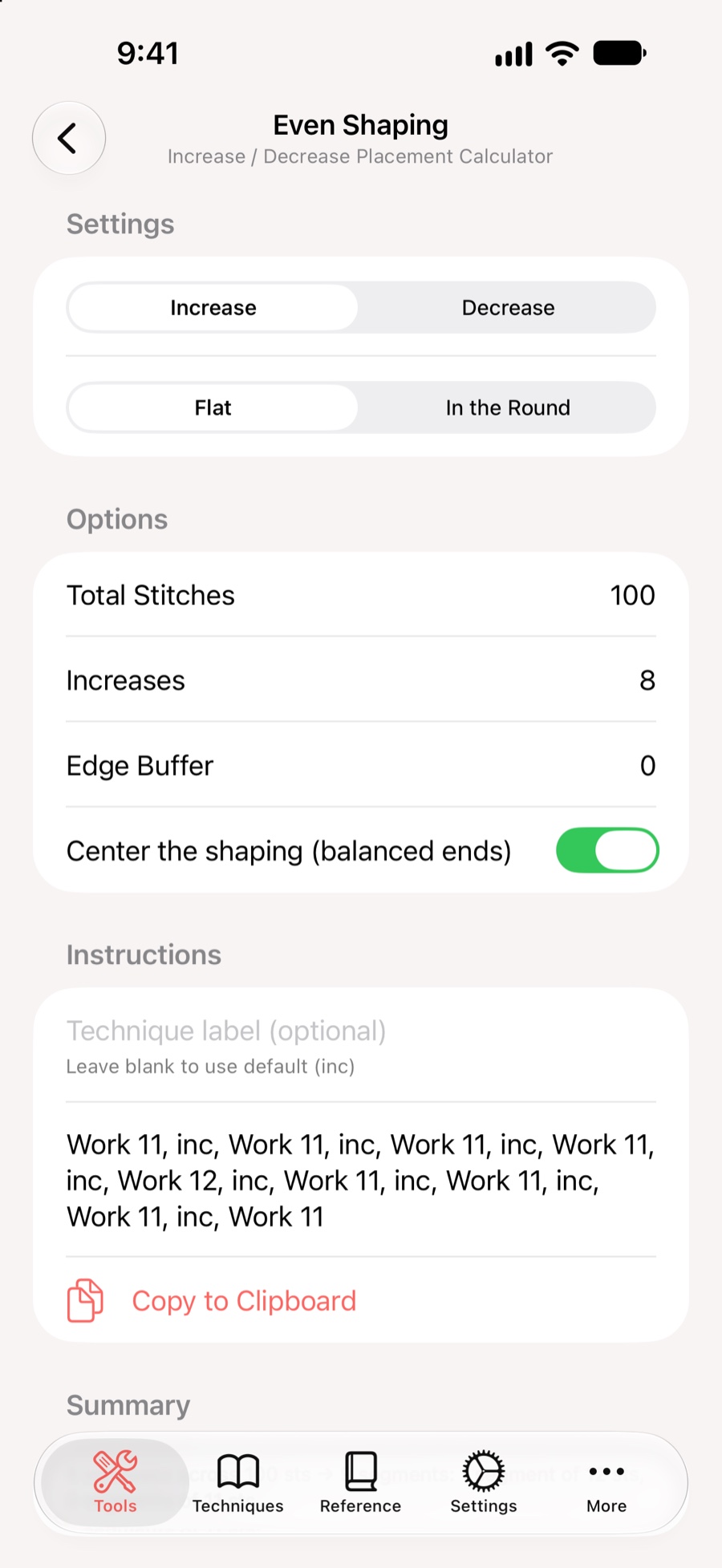
KnitHub distributes the shaping across your stitches and writes out the sequence, including the occasional adjusted interval needed to keep everything even.
Plan an increase or decrease row with the same focused calculator.
Set whether the work is flat or in the round so the instruction fits your project.
Copy the finished sequence to your project notes or keep it beside the pattern.
Download KnitHub on the App Store.